Here’s What to Do About It
If you’re a small business owner juggling all the things—inventory, customers, marketing—you might not realize that your business could already have a presence online… even if you didn’t put it there. Google and Facebook sometimes auto-generate pages or listings for businesses using publicly available information, but here’s the kicker: those listings are often incomplete, outdated, or just plain wrong.
But don’t worry! That’s where we come in (and where you can take control). Let’s break it down.
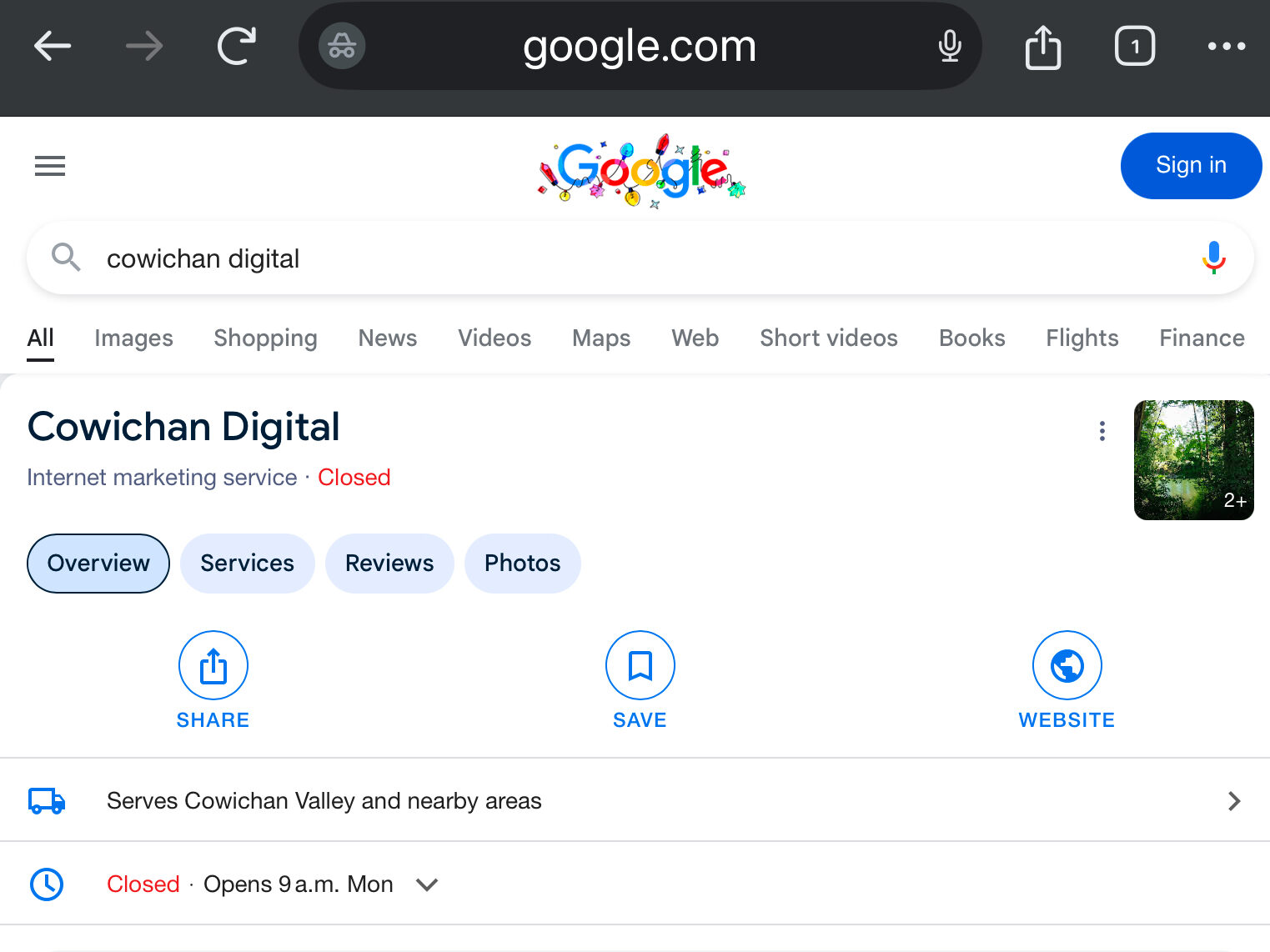
Google Business Profile: Your Secret Weapon for Local Visibility
Google Business Profile (formerly Google My Business) is a game changer for small businesses. If you’ve ever searched for a business on Google and seen their hours, reviews, and location pop up at the top of the search results, that’s their Business Profile in action.
What you might not know is that Google often creates these profiles automatically based on what it finds online. Sounds helpful, right? Well, sort of. These auto-generated profiles can have missing or incorrect details, like old phone numbers or incomplete addresses. And if no one claims the listing, customers might end up confused—or worse, heading to a competitor.
How to Fix It
Claim Your Profile
Head over to Google Business Profile and search for your business. Once you find it, click “Claim this Business.” You’ll need to verify that you’re the owner, which is quick and easy (usually through email, phone, or mail).
Optimize Like a Pro
Add your hours, phone number, website link, and photos. Google loves a well-maintained profile, and so do potential customers. Bonus points if you encourage happy customers to leave glowing reviews!
Facebook: Is There an “Unofficial” Page for You?
Facebook used to auto-generate pages for businesses based on check-ins or mentions, even if the business owner didn’t create one. While this practice has slowed down in recent years, there’s still a chance an unofficial page for your business exists—and it could be floating around with outdated info.
How to Find and Fix It:
- Search for Your Business on Facebook
Look for unofficial or “Community” pages. If you find one, claim it by clicking “Is this your business?” and following the verification steps. - Create Your Own Facebook Page
If you don’t have a page yet, this is your sign to get started. Facebook is still one of the top platforms for connecting with customers, especially for small, local businesses. A well-maintained page can showcase your products, promotions, and personality.
Why This Matters
Unclaimed or incomplete listings can hurt your brand’s credibility. Think about it: if a potential customer tries to call you using an outdated number or visits a location you’ve moved from, they’re unlikely to give you a second chance.
Taking control of your online presence not only avoids confusion but also boosts your visibility in local searches. It’s a simple, effective way to grow your business—no tech degree required.
Need a Helping Hand?
If this all feels a bit overwhelming (and let’s be honest, who has the time?), we’re here to help! From claiming your Google Business Profile to cleaning up those rogue Facebook pages, we can take the hassle off your plate so you can focus on what you do best: running your amazing business.
Let’s get your online presence working for you. Reach out today, and let’s make it happen!
Leave a Reply